M6 Mac Mini gaming: Control Ultimate Edition
Native rendering, ray tracing and MetalFX in Central Executive. nyaaBench results on the 24GB M6 Mac Mini.
These tests use the 24GB M6 Mac Mini. See the overview and measurement notes for the shared setup.
Control Ultimate Edition
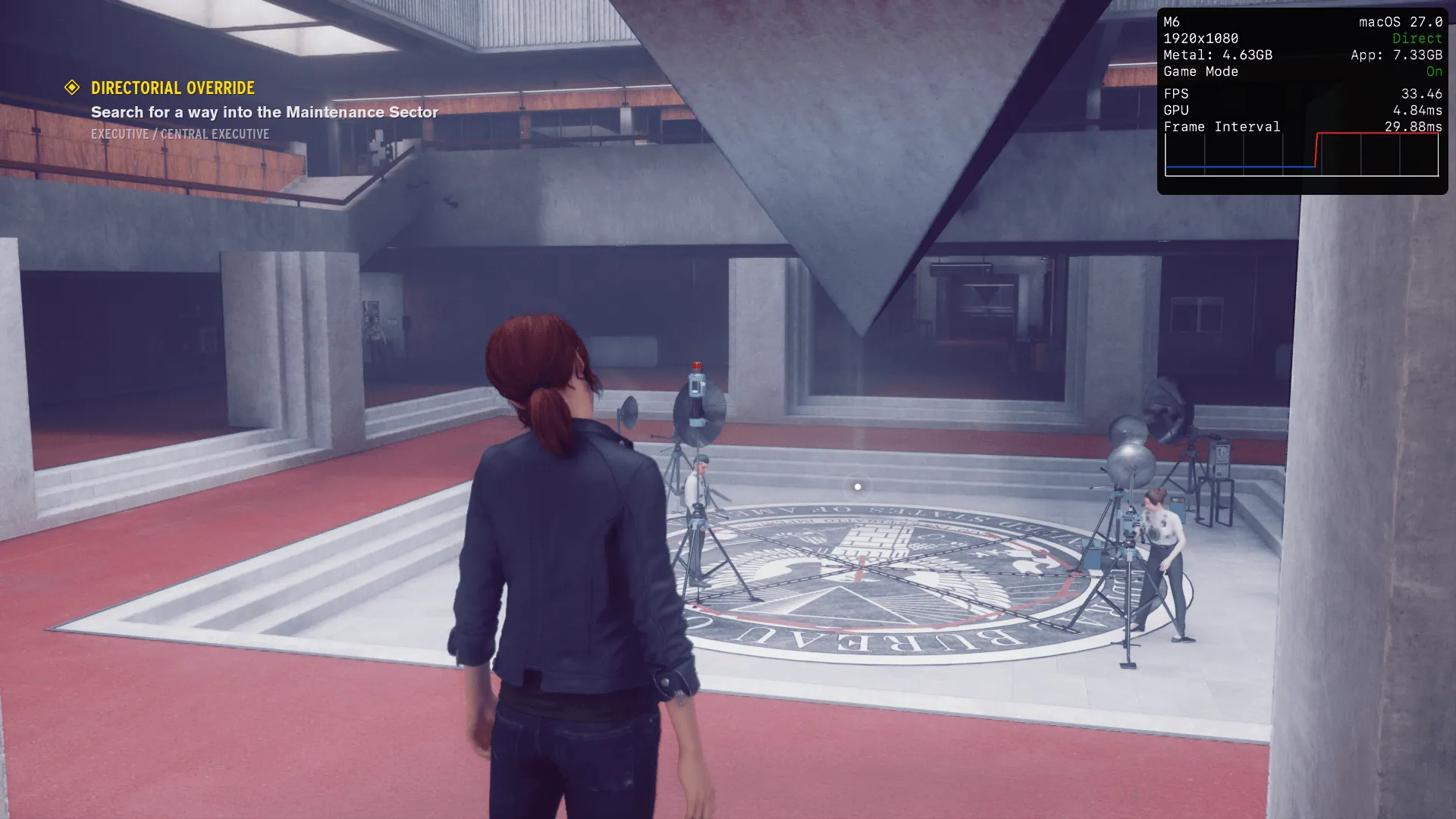
I couldn't find a built in benchmark, so my test is a walk around Central Executive. Control initially defaulted to VSync and MetalFX at 50% render scale so I disabled those, along with frame limits for the native runs. Rendering quality and ray-tracing presets are independently managed in the Graphics settings.
Control Ultimate Edition · Mac Mini M6, 24GB
| Settings / scene | Average FPS |
|---|---|
| 1080p Low RT off | 92.92 |
| 1080p Medium RT Off | 75.59 |
| 1080p High RT Off | 43.23 |
| 1080p Ultra RT Off | 31.93 |
| 1080p Medium RT Medium | 48.95 |
| 1080p Medium RT High | 38.06 |
| 1080p Ultra RT No Scaling | 18.68 |
| 720p Ultra RT No MetalFX | 29.77 |
| 1080p Ultra RT MetalFX 50% render scale | 37.18 |
One capture per setting. Hover averages for min / avg / max; min and max are one-second rates, not percentile lows. Colours: below 30 fps red, 30–59 yellow, 60–89 green, 90+ cyan.
nyaaBench capture
Walk around Central Executive. Manual route; capture lengths vary. Frame rate and latency are once-a-second summaries; telemetry is sampled every 250 ms. Dashed lines mark each capture's average.
The setting I liked most was native 1080p Medium with Medium ray tracing, averaging in this capture. It keeps the distinctive lighting and visual identity without the severe penalty of turning everything up. If a higher frame rate matters more, Medium with RT off averages .
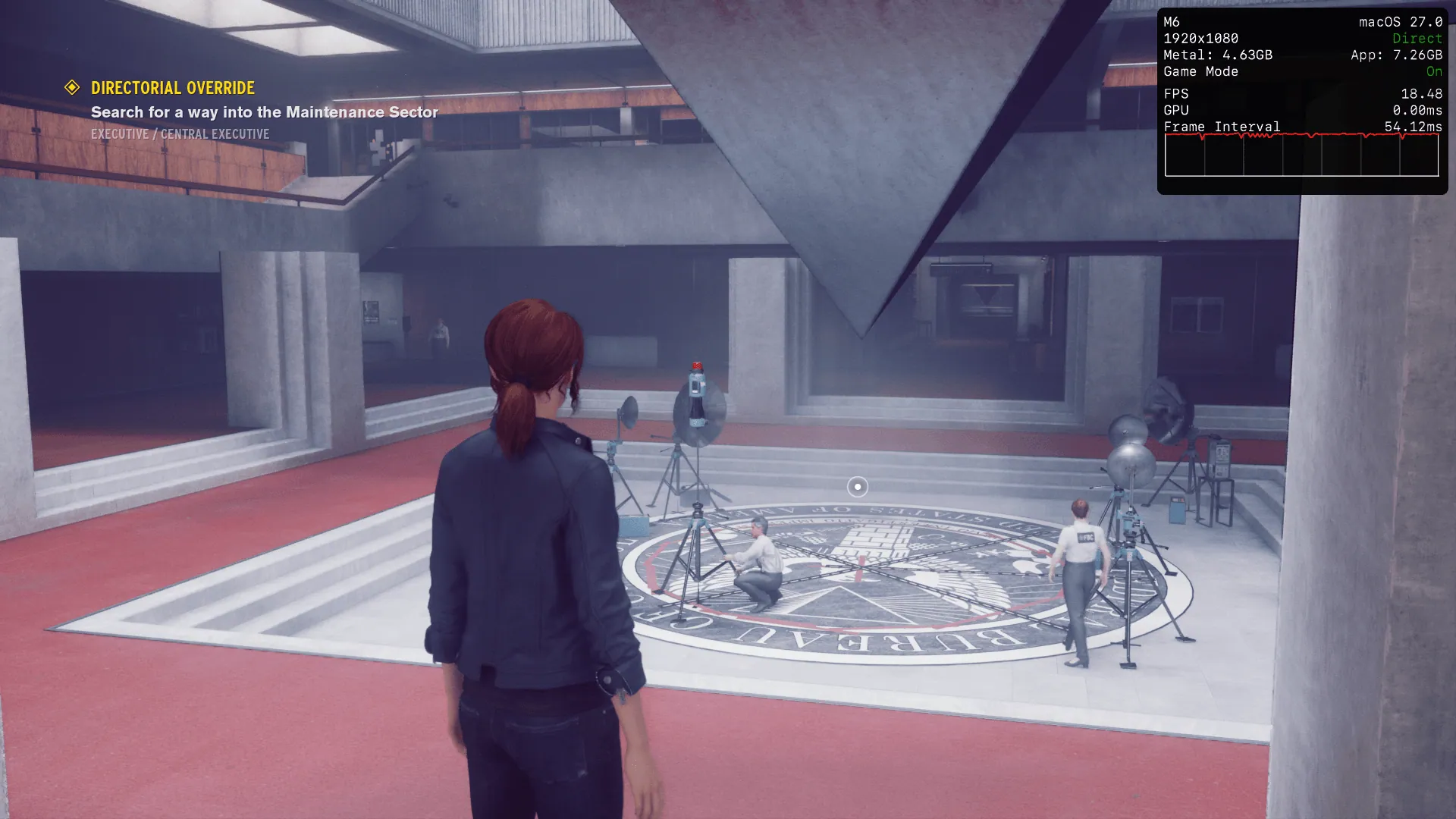
At the highest settings, the low frame rate affected motion and input feel in a way I found uncomfortable. MetalFX improved the consistency of motion, but the 50% render-scale image was too soft for my taste. Dropping to native 1280×720 instead brought the average from 18.68 to 29.77fps at the corresponding maximum settings, and despite the lower output resolution I preferred how coherent it looked. That's a subjective preference, though the performance cost of native 1080p is easy enough to see.
 MetalFX 50%Hold Shift to zoomNative